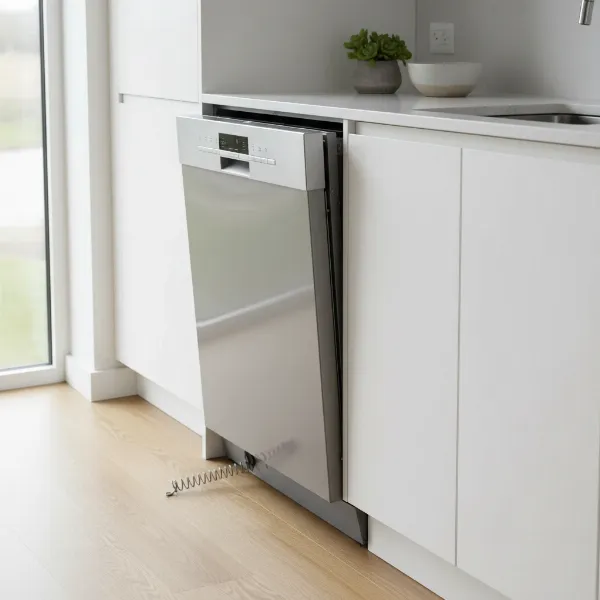
Has your trusty dishwasher ever stopped mid-cycle, displayed a cryptic error code, or simply refused to start? It’s a frustrating moment when your kitchen appliance seems to have a mind of its own. Just like a computer, your dishwasher’s control panel can sometimes experience minor glitches or get “stuck,” requiring a simple reboot to restore its functionality. Before you consider calling a technician or investing in a new unit, learning How To Reset Your Dishwasher Control Panel can often resolve these common issues, saving you time, money, and hassle. This guide will walk you through the essential steps to get your dishwasher back on track, ensuring sparkling dishes once again.
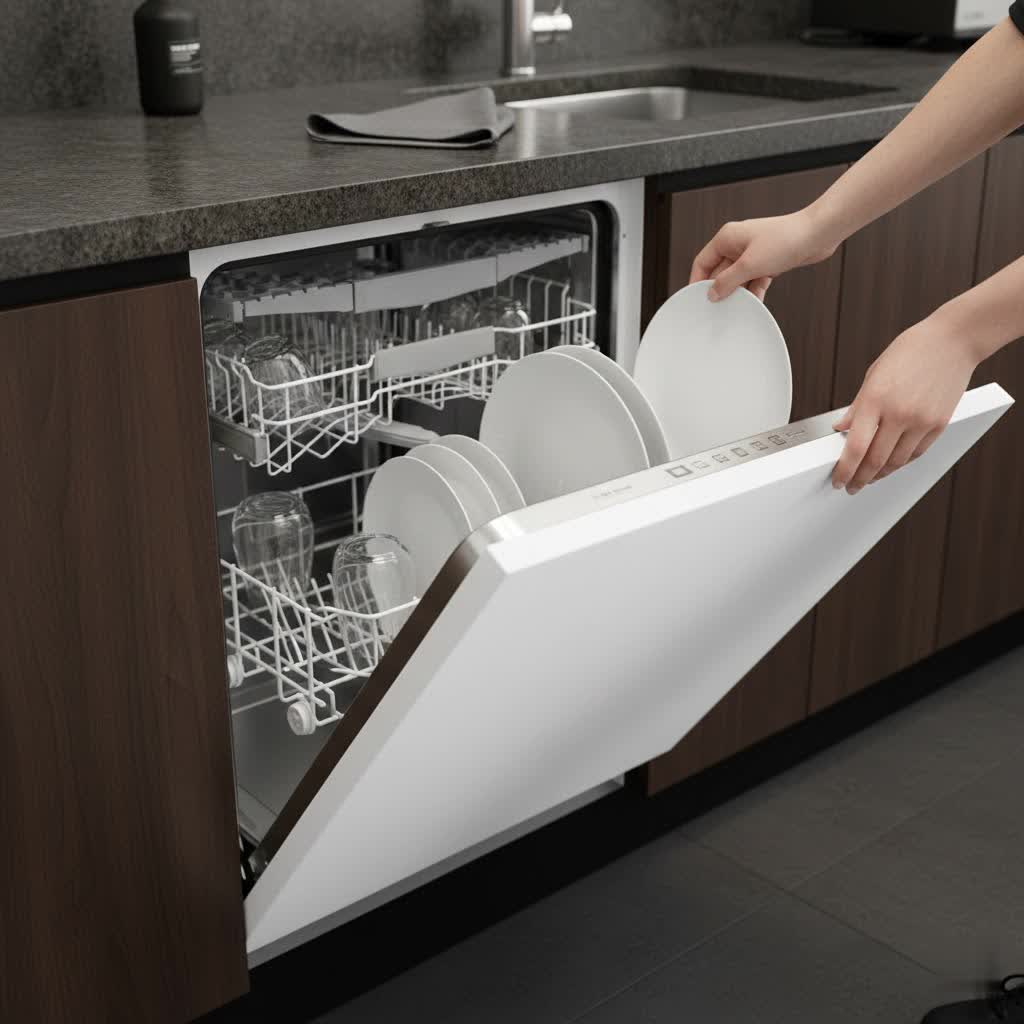
Why Your Dishwasher Needs a Reset: Common Scenarios
Your dishwasher is a complex appliance with an electronic control board that manages its various functions. Over time, or due to external factors, this board can encounter minor software hiccups. Resetting your dishwasher can be a surprisingly effective solution for a range of problems:
- Unresponsive Controls: If buttons aren’t responding or the touch screen is frozen.
- Clearing Error Codes: Many error codes are temporary and can be cleared with a simple reset.
- Resolving Minor Glitches and Stuck Cycles: When your dishwasher gets stuck in a cycle, won’t drain, or fills with too much water.
- After a Power Outage: Fluctuations or interruptions in power can confuse the control board.
A reset essentially gives your dishwasher’s internal computer a fresh start, often resolving communication issues between the control panel and other components.
Understanding the Basics of a Dishwasher Reset
When we talk about resetting a dishwasher, there are generally two main approaches: a soft reset and a hard reset (or power cycle). Understanding the difference can help you choose the most appropriate method for your situation.
- What a control panel reset does: A soft reset typically involves pressing a combination of buttons on the control panel, aiming to clear current operations or minor programming errors without completely cutting power. This is useful for stopping a cycle or clearing a temporary error code.
- The difference between a soft reset and a hard reset (power cycle): A hard reset, or power cycle, is more comprehensive. It completely removes power from the appliance, allowing all internal electronic components to discharge and reboot. This method is often more effective for persistent issues or when the control panel is entirely unresponsive.
Step-by-Step Guide: How to Perform a Standard Dishwasher Reset (Soft Reset)
Many dishwashers don’t have a single “reset” button. Instead, a soft reset is usually achieved by initiating a cancellation sequence.
- Cancel the Current Cycle: If your dishwasher is currently running a cycle, press the “Cancel” or “Start/Cancel” button. Hold it for about 3 to 5 seconds. This typically initiates a drain cycle to empty any water from the tub.
- Wait for Drain Cycle to Finish: Allow the dishwasher to complete its drain cycle, which usually takes around 90 seconds to 2 minutes. You might hear the pump working.
- Observe the Display: Once the drain cycle is complete, the display should show “0:00” or a similar indication that the cycle has ended.
- Close the Door and Select New Cycle: Close the dishwasher door firmly, then try selecting a new wash cycle and pressing “Start.”
If the issue persists, you might need a more thorough reset using the power cycle method.
The Power Cycle Method: Performing a Hard Reset
A hard reset is often the most reliable way to clear stubborn electronic glitches. It involves completely cutting power to the appliance.
- Safety First: Always prioritize safety. Ensure your hands are dry before handling any electrical components.
- Disconnect the Power:
- Unplugging: If your dishwasher is plugged into an accessible outlet, simply unplug it from the wall.
- Circuit Breaker: If your dishwasher is hardwired or the plug is inaccessible, go to your home’s electrical panel and switch off the dedicated circuit breaker for the dishwasher.
- Wait for Full Discharge: Leave the power disconnected for at least 1 to 5 minutes. Some experts recommend waiting up to 10 minutes to ensure all residual charge in the control board’s capacitors has fully dissipated.
“Think of a hard reset as pulling the plug on a frozen computer. It’s often the quickest way to clear software bugs and restore normal operation without technical expertise.” – Admin, ReviewNess, Home Appliance Expert
- Restore Power: Plug the dishwasher back into the outlet or flip the circuit breaker back to the “On” position.
- Test the Dishwasher: Close the dishwasher door firmly, select a new wash cycle, and press “Start.” Monitor the dishwasher to see if the issue is resolved.
Brand-Specific Reset Instructions
While the power cycle method is universally applicable, some brands have specific button combinations for a soft reset or diagnostic mode. Always consult your owner’s manual for the most accurate information for your specific model.
How to Reset a Bosch Dishwasher
Many Bosch dishwashers can be reset by holding down a specific button.
- Cancel/Drain or Start/Reset Button: Open the dishwasher door slightly. Press and hold the “Cancel/Drain” or “Start/Reset” button (sometimes labeled “Reset 3 Sec”) for approximately 3 to 5 seconds until the display changes to “0:00” or “0:01,” and you hear the drain pump activate. Close the door to allow draining and resetting.
- Power Cycle: If the button method doesn’t work, perform a hard reset by unplugging the dishwasher or flipping its circuit breaker for at least one minute.
How to Reset a KitchenAid Dishwasher
KitchenAid dishwashers often use a button sequence or a power cycle.
- Button Sequence: Ensure the dishwasher door is closed. For some models, you can press “Hi-temp scrub” and “Energy saver dry” buttons five times each, or similar “Hi-temp” and “Dry” combinations. Wait 5 to 10 minutes for the reset, then press “Cancel/Drain.”
- Cancel/Drain Cycle Reset: To simply reset a cycle, press and hold the “Cancel” or “Cancel/Drain” button for 5 seconds.
- Power Cycle: Disconnect power by unplugging or turning off the circuit breaker for at least one minute, then restore power.
How to Reset a Whirlpool Dishwasher
Whirlpool dishwashers also have specific methods for resetting the control board.
- Control Board Reset: Ensure the dishwasher is in standby mode. Press the “Heated Dry” and “Normal” buttons one after the other, twice, in quick succession. The control panel should light up as the reset begins. Allow it to complete before testing.
- Diagnostic Mode (can also act as a reset): Open the door. Press any three keys in order three times (e.g., 1-2-3-1-2-3-1-2-3) in quick succession, then close the door. This will reset options to default and run diagnostics.
- Hard Reset: Turn off the dishwasher, then turn off the circuit breaker for 5-10 minutes. Restore power and check.
How to Reset a GE Dishwasher
GE dishwashers typically respond well to a power cycle or a “Start/Reset” button sequence.
- Start/Reset Button: Open the dishwasher door slightly. Press the “Start/Reset” button for about 3 seconds. The dishwasher should drain and reset. Close the door and wait for the reset to complete.
- Power Cycle: Unplug the dishwasher or turn off its circuit breaker for at least 1 minute. Plug it back in or turn the breaker back on, then press the “Start/Reset” button for 3 seconds.
- Under the Kick Panel: Some older GE models might have a physical reset button underneath the kick panel.
How to Reset a Samsung Dishwasher
Samsung dishwashers can often be reset via a power cycle or a specific button combination on the control panel.
- Power Cycle: Turn off the dishwasher, then unplug it or switch off the circuit breaker for 5 to 10 minutes. Restore power.
- Control Panel Reset: While the dishwasher is powered on, press and hold the “Start” and “Select” buttons simultaneously for 3 to 5 seconds until the display resets. Some models might use “Heavy + Delicate” or “Sanitize + Delay.”
- Start/Pause Button: If other methods fail, try pressing and holding the “Start” and “Pause” buttons simultaneously for about five seconds.
How to Reset an LG Dishwasher
LG dishwashers often require a power cycle for a true reset.
- Power Cycle (Hard Reset): Turn off the dishwasher, then disconnect it from the power source (unplug or turn off the circuit breaker) for at least 1 minute. Reconnect power. The dishwasher may go through a startup cycle not usually seen.
- Start/Reset Button: For a soft reset, press and hold the “Start/Reset” button for 3 to 5 seconds until the display clears.
- Control Lock: If buttons are unresponsive, check for a “Control Lock” feature. Holding “Dual Zone” and “Energy Saver” buttons together for three seconds can sometimes deactivate it.
How to Reset a Maytag Dishwasher
Maytag dishwashers can be reset through power cycling or specific button sequences.
- Power Cycle: Unplug the dishwasher from the outlet or turn off the circuit breaker for 1 to 2 minutes. Reconnect power.
- Control Panel Reset: With the dishwasher unplugged, press and hold either the “Cancel” or “End of Cycle” button for about 30 seconds to clear residual memory. Then, restore power.
- Heated Dry & Normal Buttons: To perform a master reset, simultaneously press and hold the “Heated Dry” and “Normal” buttons for about 3 to 5 seconds.
Troubleshooting Before and After a Reset
Sometimes, a reset isn’t the complete solution, or it uncovers a deeper issue. Always check these common culprits:
- Checking Power Supply and Circuit Breaker: Ensure the dishwasher is receiving power. A tripped breaker or loose plug can mimic a control panel issue.
- Ensuring Door Latch is Secure: Many dishwashers won’t start if the door isn’t latched properly. Check for obstructions or damage.
- Inspecting Water Supply and Drain: Make sure the water supply valve is open and the drain hose isn’t kinked or clogged.
- Error Codes that Persist After a Reset: If specific error codes return immediately after a reset, it often indicates a fault with a specific component (e.g., water inlet valve, drain pump, heating element) rather than a simple software glitch.
- When to Call a Professional: If you’ve tried all reset methods and troubleshooting steps, and the problem persists, it’s time to contact an appliance repair technician. They have the specialized tools and expertise to diagnose and fix mechanical or complex electronic failures.
Maintaining Your Dishwasher to Prevent Future Issues
Regular maintenance can significantly extend your dishwasher’s lifespan and reduce the need for frequent resets.
- Regular Cleaning Tips: Clean the filter regularly, wipe down the interior, and run a dishwasher cleaner cycle occasionally to prevent mineral buildup and odors.
- Proper Loading Practices: Avoid overloading the dishwasher, and ensure dishes don’t block spray arms or detergent dispensers.
- Using Appropriate Detergents: Use high-quality dishwasher detergent, and avoid using hand dish soap, which can create excessive suds.
- Avoiding Overloading: Overloading can strain the motor, impact wash performance, and potentially trigger error codes or system shutdowns.
Conclusion
Resetting your dishwasher’s control panel is a fundamental troubleshooting step that can often resolve a myriad of common issues, from unresponsive buttons to mysterious error codes. Whether it’s a quick soft reset using a button combination or a more comprehensive hard reset by power cycling the appliance, these methods provide a straightforward path to restoring your dishwasher’s functionality. While a reset can address many electronic glitches, remember to pay attention to persistent problems that might signal a deeper mechanical or electrical fault. Regular maintenance and attentive use will help keep your dishwasher running smoothly, ensuring a consistently clean and efficient performance for years to come. What’s the most common dishwasher problem you’ve faced that a simple reset fixed?
Frequently Asked Questions
How often should I reset my dishwasher?
You should only reset your dishwasher when it’s experiencing a specific issue, such as unresponsive controls, error codes, or a stuck cycle. There’s no need to perform routine resets, as the appliance is designed to operate continuously without them.
Will resetting my dishwasher delete its programming or custom settings?
A soft or hard reset (power cycle) typically clears temporary errors and reboots the control board, but it does not usually erase permanent programming or custom settings you’ve made. Factory resets, if available, are more comprehensive and might revert settings to default, but these are rare for dishwashers and often require a specific, intricate sequence.
What if my dishwasher won’t reset after trying these methods?
If your dishwasher remains unresponsive or displays persistent error codes after attempting both soft and hard resets, it indicates a more serious underlying problem. This could be a faulty control board, a sensor issue, or a mechanical failure, which will likely require professional diagnosis and repair from a qualified technician.
Can a reset fix all dishwasher error codes?
A reset can fix many temporary error codes caused by minor electronic glitches or power fluctuations. However, some error codes indicate a specific component malfunction (e.g., a broken water inlet valve, a clogged drain pump, or a heating element failure). In these cases, a reset will not solve the problem, and the code will likely reappear.
Is it safe to reset a dishwasher frequently?
While occasional resets are safe and can be helpful, frequently resetting your dishwasher without addressing the root cause is not advisable. It suggests an ongoing issue that should be investigated. Excessive, unnecessary resets don’t harm the appliance but don’t fix mechanical problems either.
Where is the reset button on a dishwasher?
Most modern dishwashers do not have a dedicated “reset” button. Instead, a reset is usually performed by holding down a combination of existing control panel buttons (like “Start/Cancel”) for a few seconds, or by cutting power to the appliance at the outlet or circuit breaker. Some older models might have a physical reset button located under the kick plate.
How long does a dishwasher reset take?
A soft reset using control panel buttons usually takes a few seconds to initiate, followed by a brief drain cycle (1-2 minutes). A hard reset (power cycle) requires cutting power for at least 1 to 5 minutes to ensure a full discharge, followed by the normal startup sequence when power is restored.